The short answer
Prepare one portrait for Solo or two for Duet. Choose a scene, review the pack price, and generate after payment. Keep your private result link, download the MP4, then put your photo before it and add permitted audio in your editor. Disclose that the realistic video is AI-generated.
Watch the 30-second walkthrough
A silent visual guide with on-screen instructions. The full steps and limitations are written below.
1. Choose a portrait that gives the model a clear face
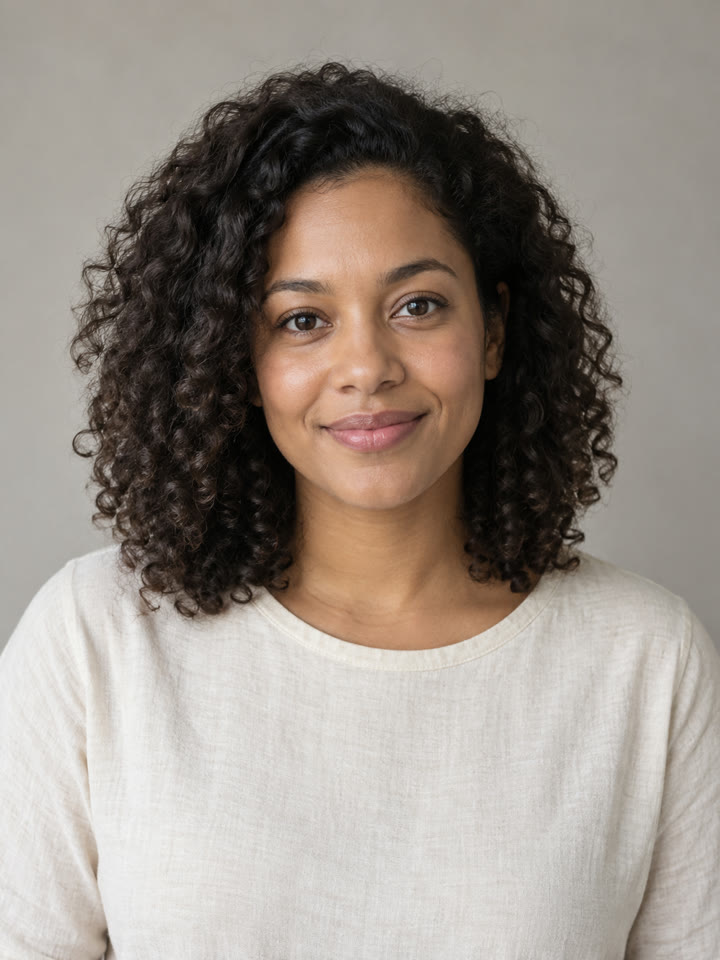
Start with a chest-up, well-lit photo showing one person, facing roughly forward. Remove sunglasses and avoid a strong beauty filter or a tiny face cropped from a group. Use a file smaller than 10 MB. For a duet, prepare two separate portraits and get permission from both people.
2. Select a scene and check the mode
Open the generator and select Solo or Duet. Upload the required photo or photos. For a duet, choose Couple or Friends and use Swap if you want to reverse the reference positions. Compare Golden-Hour Pier, Rain on the Pier and Reception Lights in the template guide.
The scene thumbnails show a preset. Uploading does not generate a personalized preview, and no prompt is required.
3. Review the price before generating
Confirm permission to use the photos, then continue to the pack selection. One video is $8.99; three are $14.99; ten are $39.99, in USD. There is no subscription. See what you can do for free if you want to explore before purchasing.
Generation starts after the payment is verified. If checkout is temporarily unavailable, the page says so; no video is generated merely by clicking through the preparation steps.
4. Save the result link and download
Keep the private progress link. It lets you return while the supplier finishes and the output check runs. Allow several minutes; there is no guaranteed completion time and no automatic completion email in this installation.
When ready, download the eight-second, 9:16 silent MP4. Website files expire after 30 days, so keep a local copy. Save the separate credit recovery link if you have unused takes; do not publish either private link.
5. Make the photo-to-video reveal
In your editor, add the original photo to the timeline, followed by the MP4. Start with about one second for the still image, then adjust the cut against your chosen audio. The generated file itself is one continuous scene and does not include this opening.
Play the result once with sound and once without. Check face detail, hand movement, the crop and the transition. Do not assume a new take will reproduce an earlier expression exactly.
6. Add permitted music and the AI disclosure
In TikTok, select Add sound and search for the official Dave and Tems recording. Choose audio available to your account and use. Buying this video does not include a song license, and business or advertising use can have different audio restrictions.
Turn on the AI-generated content disclosure for realistic synthetic footage. Read TikTok’s current guidance. Keep the caption honest: this is an imagined scene, not a real performance you filmed on location.
If a step goes wrong
- Upload fails: try a readable JPG or PNG under 10 MB with a clearly visible face.
- Payment is uncertain: return to the existing checkout or result page. Do not open multiple purchases to force generation.
- Generation fails: a confirmed failure returns the video credit. A request under review is held to avoid duplicate supplier charges.
- The face looks wrong: contact support within seven days for a review of the result. See refunds and redos.
Questions
Do I need to film myself singing?
No. A portrait supplies the reference for the generated scene. You still need to review the output, add any permitted music and prepare your post.
Can I leave while it generates?
Yes. Save the private result link and return to it for progress and download. Do not rely on a completion email.
Why does the mouth not match the song?
The generator does not receive the song or lyrics. It creates singing-style motion rather than word-for-word lip-sync.